For users outside the 🇳🇬 App Store

Get Mular on TestFlight

Can’t find Mular on your App Store? No stress. TestFlight gets you the app on any iPhone, from anywhere, in about 2 minutes.

Already on the Nigerian Apple Store? Skip all this and download on the 🇳🇬 App Store.
Step 1 of 4

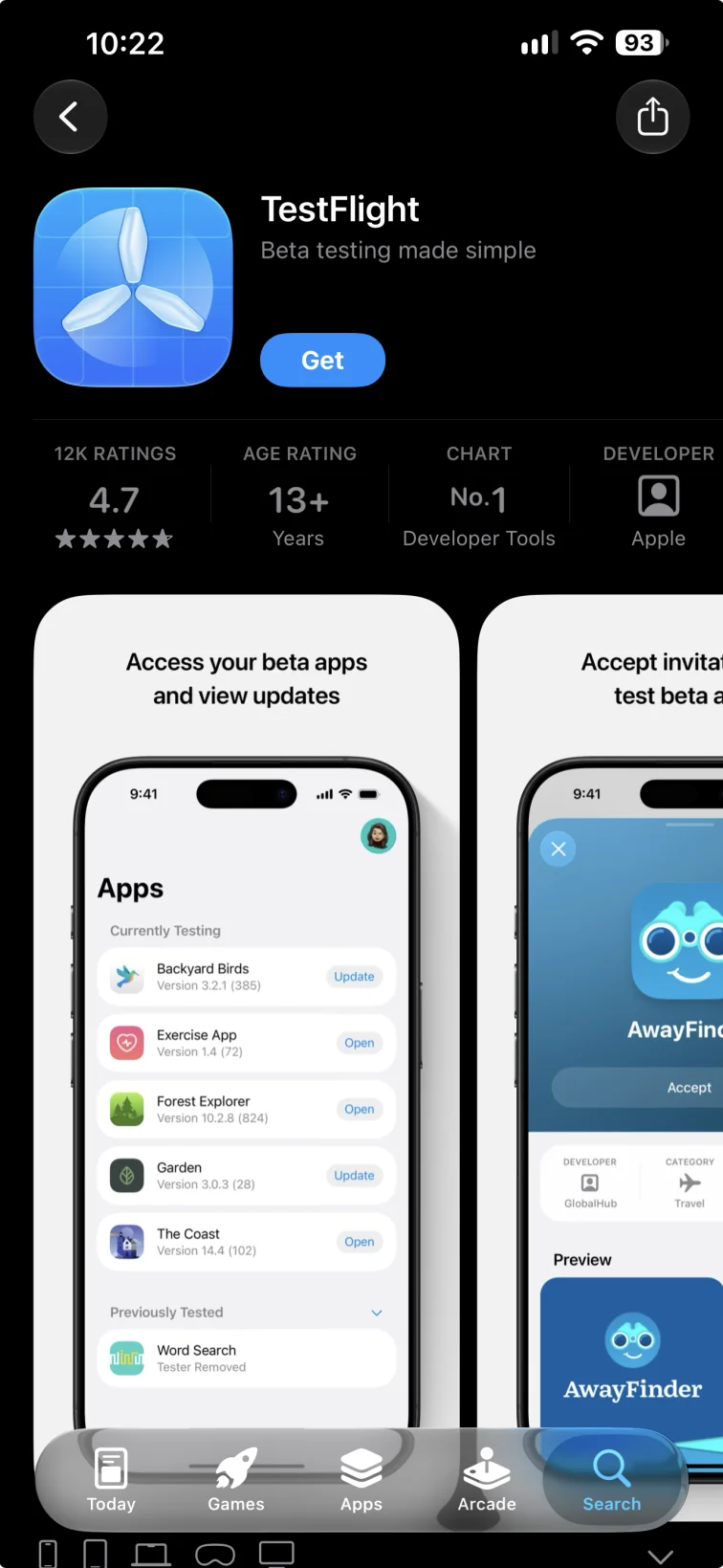
Get TestFlight

TestFlight is Apple’s own app for trying out apps. It’s free, available in every country and works with your current Apple ID.

Open the App Store and search for “TestFlight”
Tap Get and wait for it to install
Come back to this page once it’s done
Get TestFlight
Step 1 of 4

Get TestFlight

TestFlight is Apple’s own app for trying out apps. It’s free, available in every country and works with your current Apple ID.
Open the App Store and search for “TestFlight”
Tap Get and wait for it to install
Come back to this page once it’s done
Get TestFlight
Step 2 of 4

Accept & install

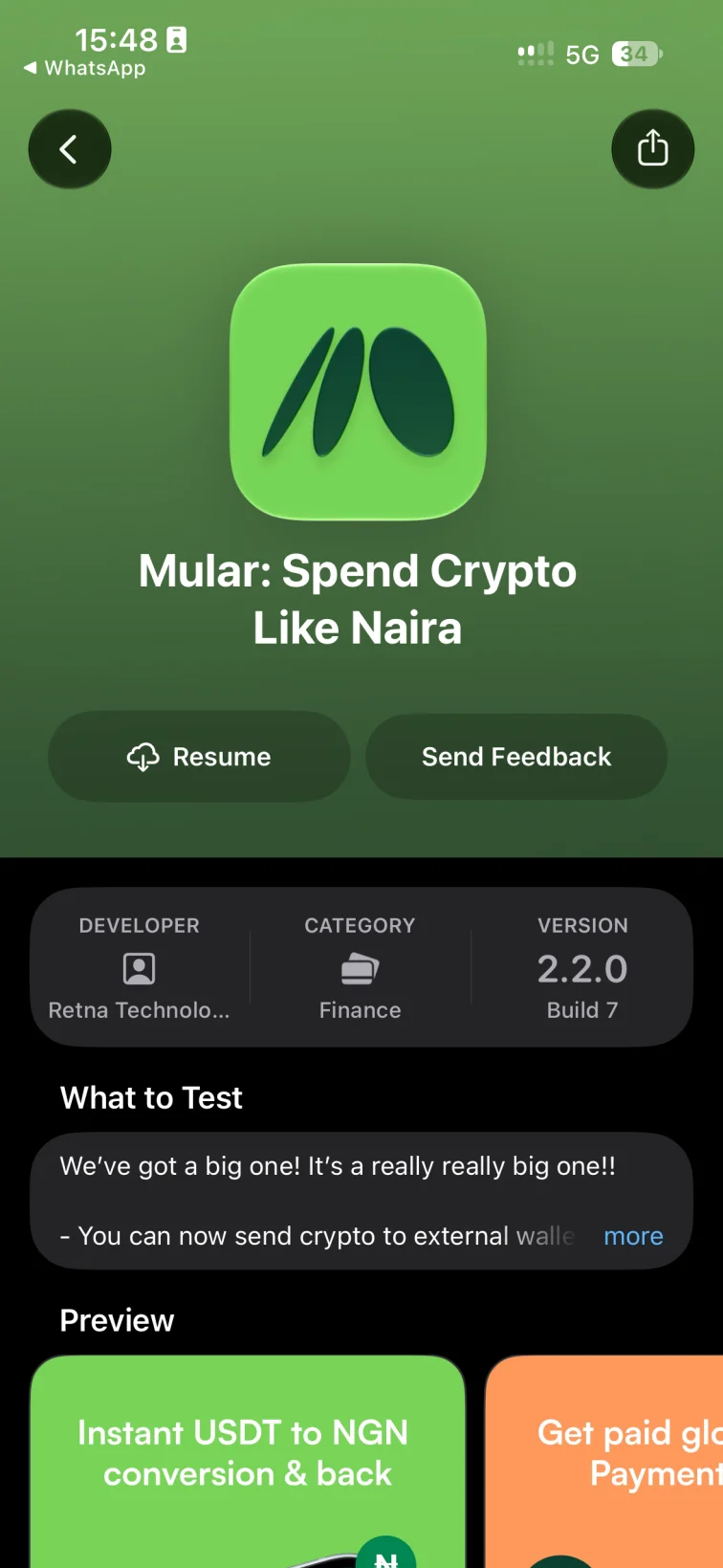
Tap the button below on your iPhone. TestFlight opens right on the Mular page. Tap Accept, then Install, and Mular lands on your home screen like any other app.
Seeing a web page instead? Tap Start Testing there, or open this page in Safari and try again
Don’t see Accept? You might already be in, so just tap Install
Turn on Automatic Updates so you always have the latest version
Open Mular on TestFlight
Step 3 of 4

Open Mular

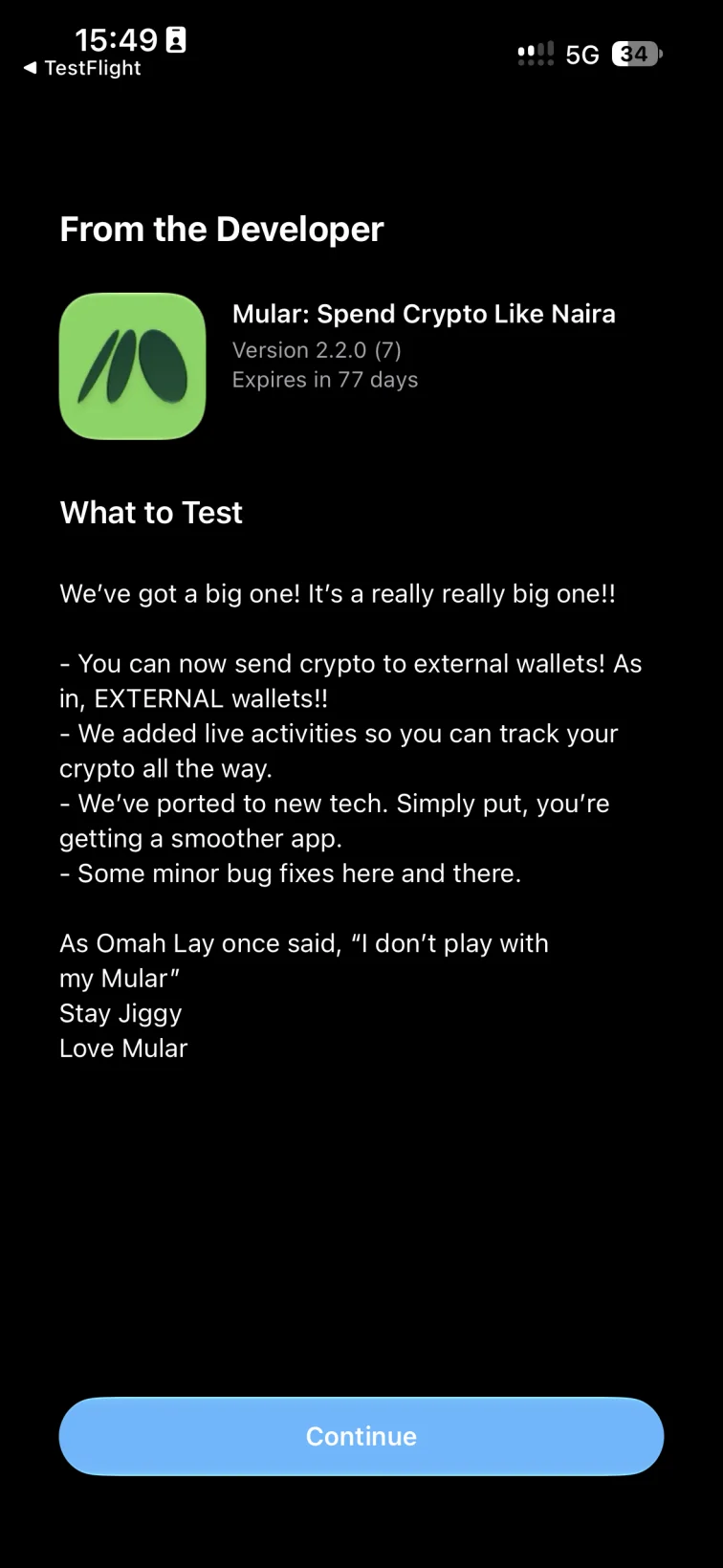
Tap Open in TestFlight or find Mular on your home screen. The first time, TestFlight shows two quick intro screens. Tap Continue on both and you’re in.
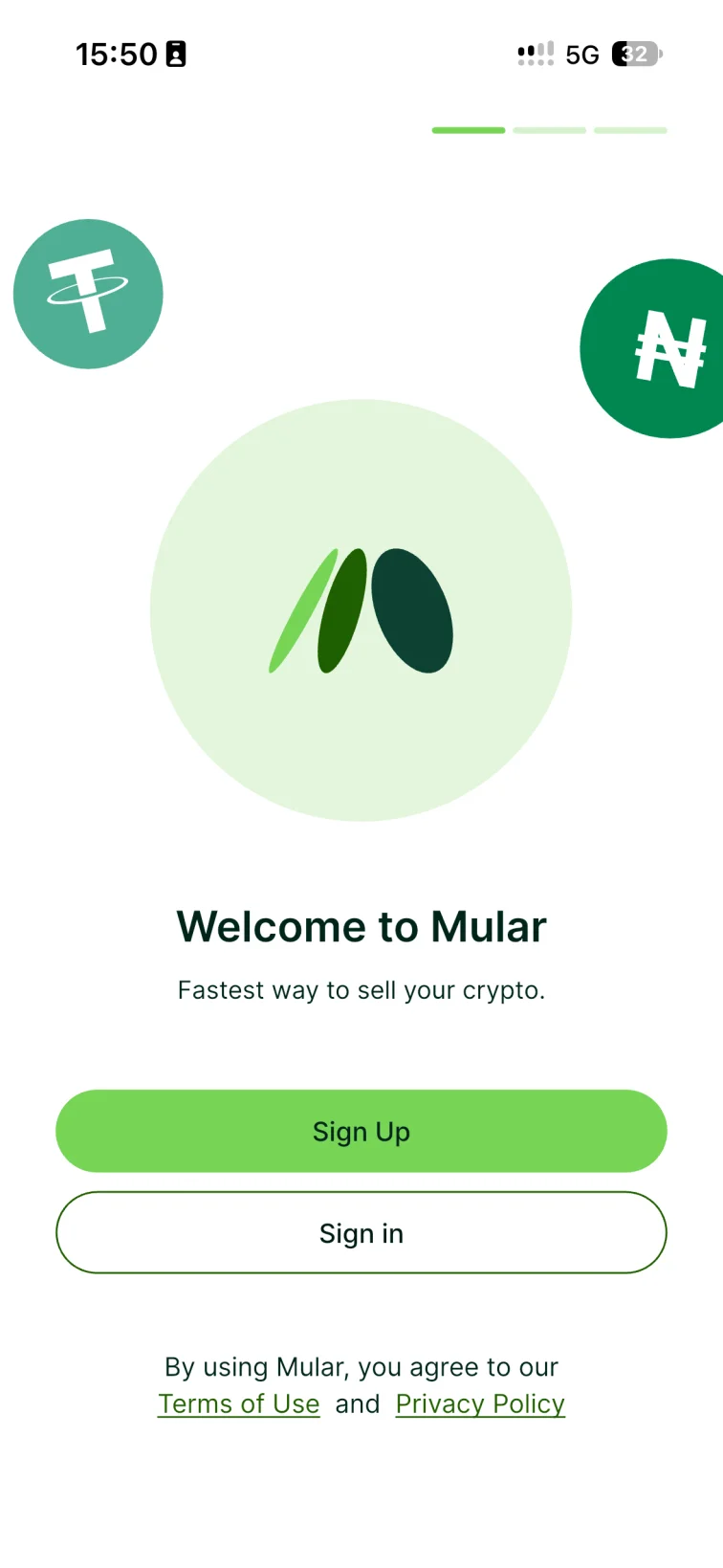
You’ll see an orange dot beside the app name. That just means it came from TestFlight
Step 4 of 4

Sign up & start spending

Tap Sign Up to create your account, or Sign in if you already have one. Signing up with a friend’s referral code gets you a $5 bonus in your Mular Bonus Wallet.

Your bonus unlocks as cashback when you spend from your crypto wallets

Stuck?

Quick fixes for the usual hiccups.
Do I need to change my Apple ID country?
Open FAQ
No. That’s the whole point of TestFlight. It works with any Apple ID, from anywhere.
Is the TestFlight version the real Mular?
Open FAQ
Yes. It’s the same Mular, delivered through Apple’s own TestFlight app. Your account, wallets and bonuses all work exactly the same.
The link opened a web page instead of TestFlight
Open FAQ
Either TestFlight isn’t installed yet, or the link opened inside another app like Instagram or X. Get TestFlight first, then open this page in Safari and tap the button again. You can also just tap Start Testing on that page.
It says “This beta is full” or isn’t accepting testers
Open FAQ
TestFlight limits how many people can join at once. Reach out to support and we’ll sort you out.
Mular stopped opening
Open FAQ
TestFlight versions expire after 90 days. Open TestFlight, tap Mular and hit Update. Turn on Automatic Updates and you won’t have to think about it again.
Spend with freedom from anywhere

Live on chain,
spend in Naira

Join our Telegram for expert support and insider tips.