

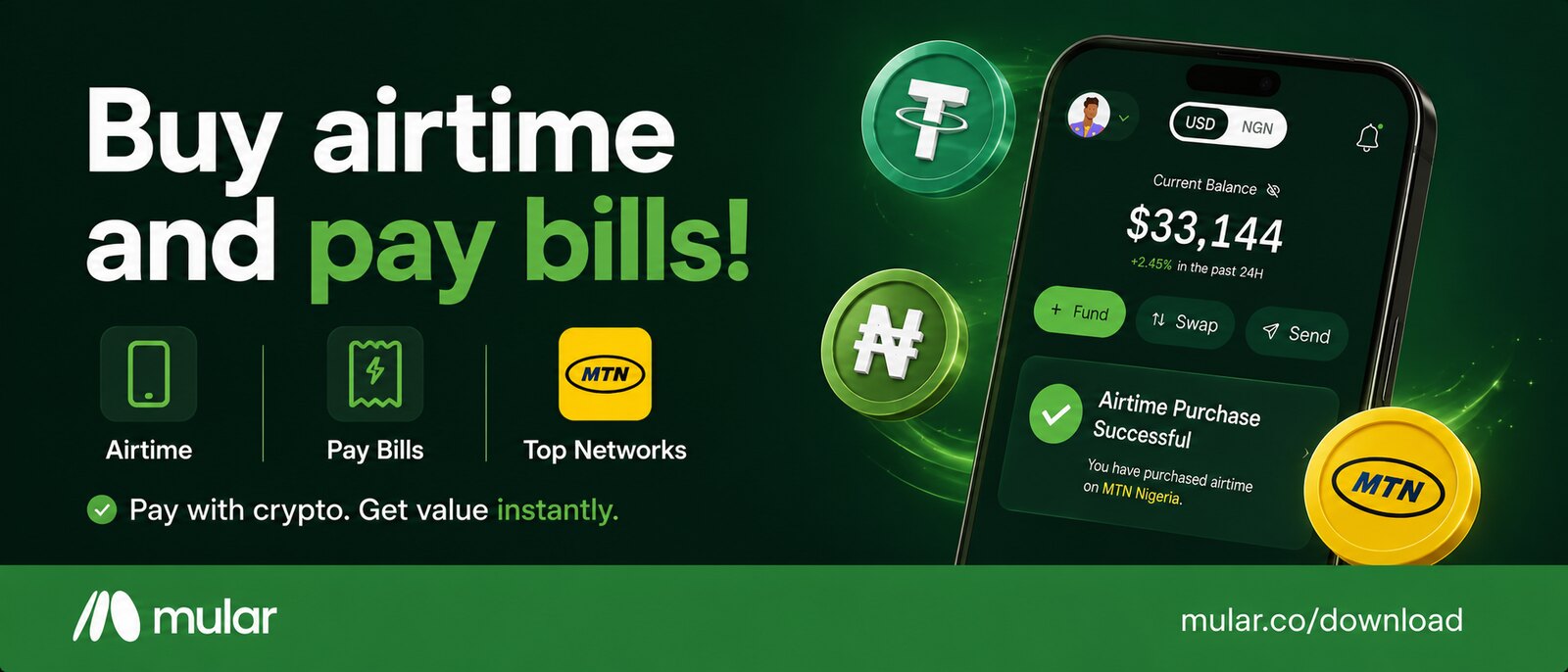
Your USDT can buy MTN data. No separate swap, no bank in the middle, and no fee on the bill itself.
Short answer first, because your data is probably finishing while you read this. On Mular you buy airtime and data the way you would in any bank app, except the money can come straight out of USDT, USDC, BTC, SOL or any token you own. You do not have to swap anything beforehand, and Mular puts no fee on the bill.
This matters more than it sounds, because Nigerians get through a frankly unreasonable amount of data. The NCC recorded 1.5 million terabytes used in May 2026, the highest month it has ever published, which comes to about 48,518 terabytes a day.* Somebody is buying all of that, in small amounts, several times a month, almost always at the worst possible moment 😭
If you are paid in crypto, that moment used to cost you three apps and a short argument with yourself. So here is what you need, the four steps, what it actually costs, which balance to pay from, and what changes when you want data instead of airtime.
What You Need Before You Start
Two things, and if the app is already on your phone you have both. The first is a funded balance on Mular, which can be your Naira wallet or any of the crypto accounts the app opens for you. The second is the phone number you are topping up, which does not have to be yours. That is the whole checklist.
How to Buy Airtime With Crypto on Mular
Four steps, and the fourth one is mostly just looking at the screen.
- Open Bills on Mular and choose Airtime. Pick the network (MTN, Airtel, Glo and 9mobile are all there) and type in the number you want to top up.
- Choose the balance it comes out of. Your Naira wallet, or whichever crypto account you are holding: USDT, USDC, BTC, ETH, SOL, TRX, BNB, XRP, DASH or TON. They all behave the same way here.
- Look at the amount on the screen. If the money is coming from a crypto balance, this is where the conversion happens, at the rate shown to you before you confirm anything. The USDT to Naira page carries that same live rate if you want to see it before you open the app.
- Confirm. The conversion, where there is one, takes about ten seconds, and the entry that appears in your history reads as the amount and the number it went to.
Data Is the Same Four Steps
Same screen, one tab across. Choose Data instead of Airtime, pick your network, pick the bundle, choose the balance, confirm. The only real difference is that you are selecting from a list of packages instead of typing an amount, so what you see is whatever the network is selling that day. The same screen also handles your TV subscription and electricity, which is worth knowing in December when all three finish in the same week.
What It Costs to Pay a Bill With Crypto
This is the part everybody braces for. Mular does not charge a fee on the bill: ₦1,000 of airtime costs you ₦1,000 of value, with no extra line underneath quietly adding to it. When the money comes from a crypto balance, the conversion happens at the rate on the screen, and that rate is the only number worth studying before you tap confirm. It moves through the day, so the figure you saw this morning is a memory, not a quote.
Which Balance Should It Come Out Of
Honestly? Whichever one has money in it. There is no penalty for paying a ₦500 top-up out of USDT, and none of the four steps change. My one hedge, and it is only a hedge: if you are holding a coin you would rather not spend down in small bites, keep the Naira wallet topped up and let the little things come out of there. You can top it up from your bank app in seconds, and the bank codes page has the USSD string for your bank if the app is being slow about it.
And if you are the sort of person who likes to know what data is really costing you every month, that is normally a job for a note on your phone that you abandon by February. Mular keeps the record already. Every bill sits in your history with the date, the amount and the number it went to. Rest your brain 🤲🏽
Nobody at the Kiosk Ever Asked Where the ₦200 Came From
Here is the picture I keep coming back to. You stop at a kiosk under a yellow umbrella, buy a recharge card from a man who is also selling sweets and phone chargers, scratch the silver strip off with your fingernail (or a coin, or a key, everybody had a preferred tool) and squint at sixteen digits held up to the light. Nobody at that kiosk ever asked where the ₦200 came from. Salary, sold something, found it in a trouser pocket. It was money, and money bought airtime.
That is genuinely all this is. Your USDT is money you already have, sitting in an app that also sells airtime, so it buys airtime. The limit, and I am not going to pretend otherwise: a crypto balance moves, so paying a bill out of one on a bad day costs you more than the same bill would have on a good one. For ₦500 of airtime, that difference is noise. For an electricity bill in the tens of thousands, look properly at the rate on the screen first, the way you used to hold the card up to the light.
Buy Data With the Money You Already Have
Mular sells airtime and data across MTN, Airtel, Glo and 9mobile, and lets you pay from whichever balance you are holding, Naira or crypto, with no fee on the bill and no swap to run beforehand. The money you got paid in is the money that buys your data. Download Mular and top up from the balance already sitting there.
As always, stay Jiggy.
Love, Mr Mular.
* Data consumption figures from the NCC, as reported by Nairametrics on 10 Aug 2026: 1.5 million terabytes used in May 2026, an average of 48,518 terabytes a day. https://nairametrics.com/2026/08/10/nigerians-set-new-data-usage-record-consume-1-5-million-terabytes-in-may/
Written 8 Oct 2026, with my own data sitting at 4% for most of it. Nobody proofread this one, so if a comma is in the wrong place, that was me, in a hurry, trying to get to step four.
Related reading: getting paid in crypto as a freelancer, for when the balance is not there yet, and USDT vs USDC if you are still deciding which one to hold.